
In the high-stakes arena of DeFi, where every balance and transfer lays bare on public blockchains, true privacy feels like chasing shadows. Fhenix flips the script with its Helium testnet, letting developers deploy encrypted ERC-20 tokens that process data under wraps using Fully Homomorphic Encryption (FHE). No more exposing holdings to front-runners or regulators; instead, confidential smart contracts handle encrypted computations natively. This hands-on guide walks you through the first steps to launch your own privacy-preserving ERC-20 deployment on Fhenix, leveraging their CoFHE coprocessor for seamless EVM integration.

Fhenix stands out by embedding FHE directly into Ethereum-compatible chains, backed by a $15 million Series A and ties to Offchain Labs. Their FHERC20 standard mirrors classic ERC-20 functionality but encrypts balances and transfers end-to-end. Imagine stablecoins or utility tokens where only you know your stack, yet they interact flawlessly with DEXes and wallets. On Helium testnet, this isn't theory; it's deployable today with minimal friction.
Grasping Fhenix FHE Smart Contracts and the Power of CoFHE
At its core, FHE lets smart contracts crunch numbers on ciphertext without ever peeking at plaintext. Fhenix's CoFHE coprocessor makes this a one-liner for Solidity devs: import, encrypt, compute. No PhD required. This unlocks confidential smart contracts on Ethereum ecosystems, shielding against MEV bots and chain analysis firms. Recent launches like CoFHE on Arbitrum prove it's production-ready, but Helium lets you test without real stakes.
Why bother? Standard ERC-20s leak strategies; encrypted versions preserve composability while adding opacity. Fhenix's Shielded Stablecoin tool simplifies entry, but for custom tokens, their GitHub erc20-tutorial-code repo offers a battle-tested starter. Funding buzz from X posts highlights easy deployment flows: configure name, ticker, decimals, toggle confidentiality, and go.

Essential Prerequisites for Fhenix Testnet Deployment
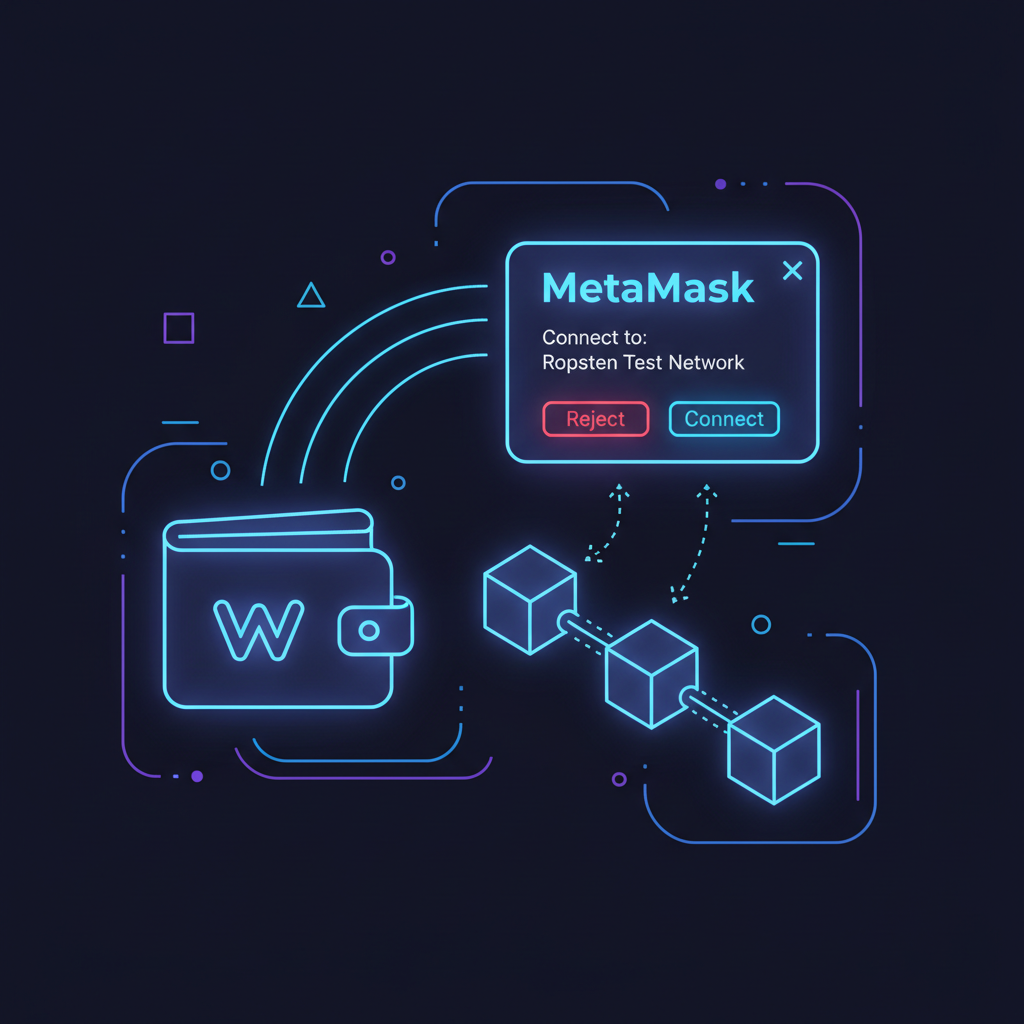
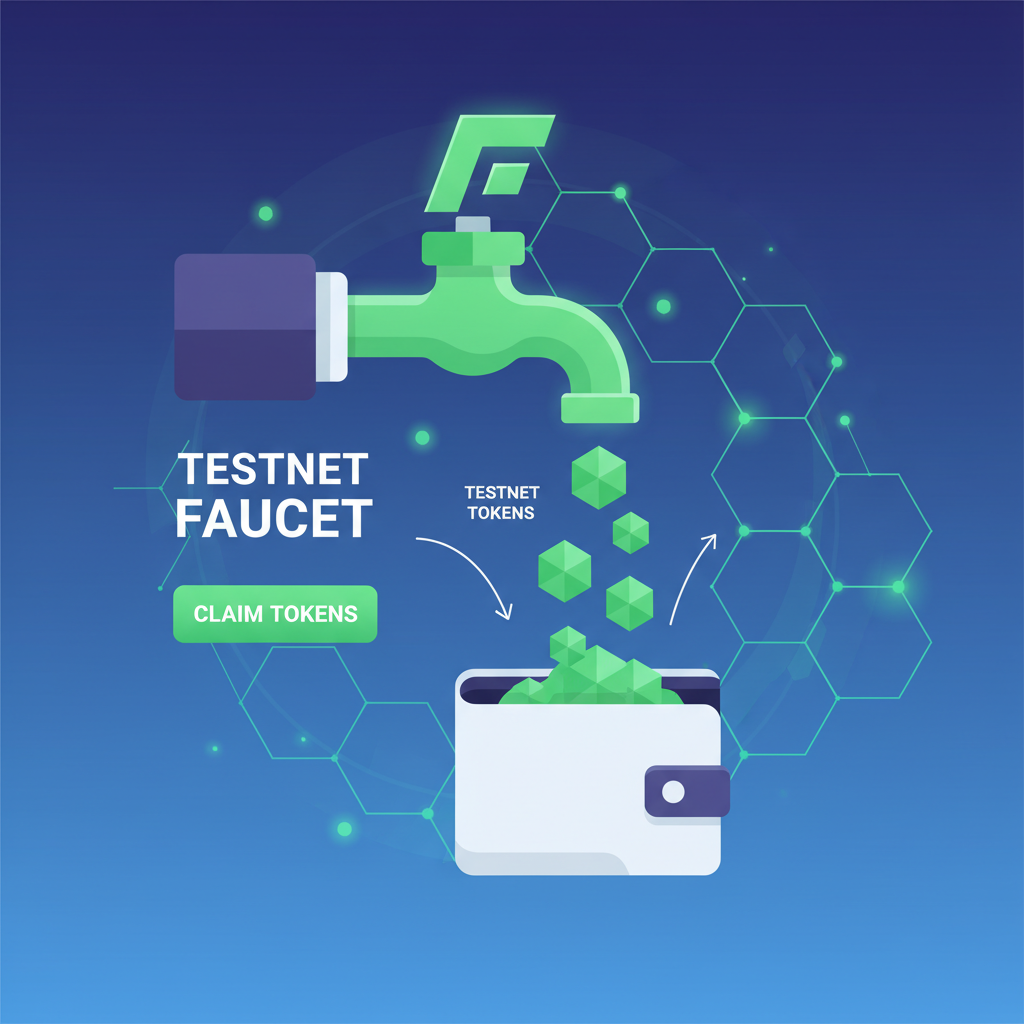
Before coding, nail the basics. Grab MetaMask or a compatible wallet and switch to Helium testnet: RPC at rpc. helium. fhenix. zone, chain ID 9000ish (check docs for latest). Fund it with testnet tokens from Fhenix faucet; expect Sepolia-like faucets but FHE-flavored. No ETH? Community drips via Discord or allied faucets cover beginners.
Install Foundry or Remix for contract work; Foundry shines for testing encrypted ops. Clone FhenixProtocol/erc20-tutorial-code for a plug-and-play base. Ensure Solidity 0.8.19 and compiler to dodge Arbitrum Sepolia pitfalls seen in forums. Pragmatically, start with their web-based Shielded Stablecoin deployer at fhenix. zone for zero-setup wins, then level up to custom forks.
Pro tip: Generate permits post-deploy for gasless approvals, a staple in privacy flows. Tools like Redact. money inspire, but Fhenix owns the FHE edge.
Step-by-Step: Launching Your First Encrypted ERC-20 Token
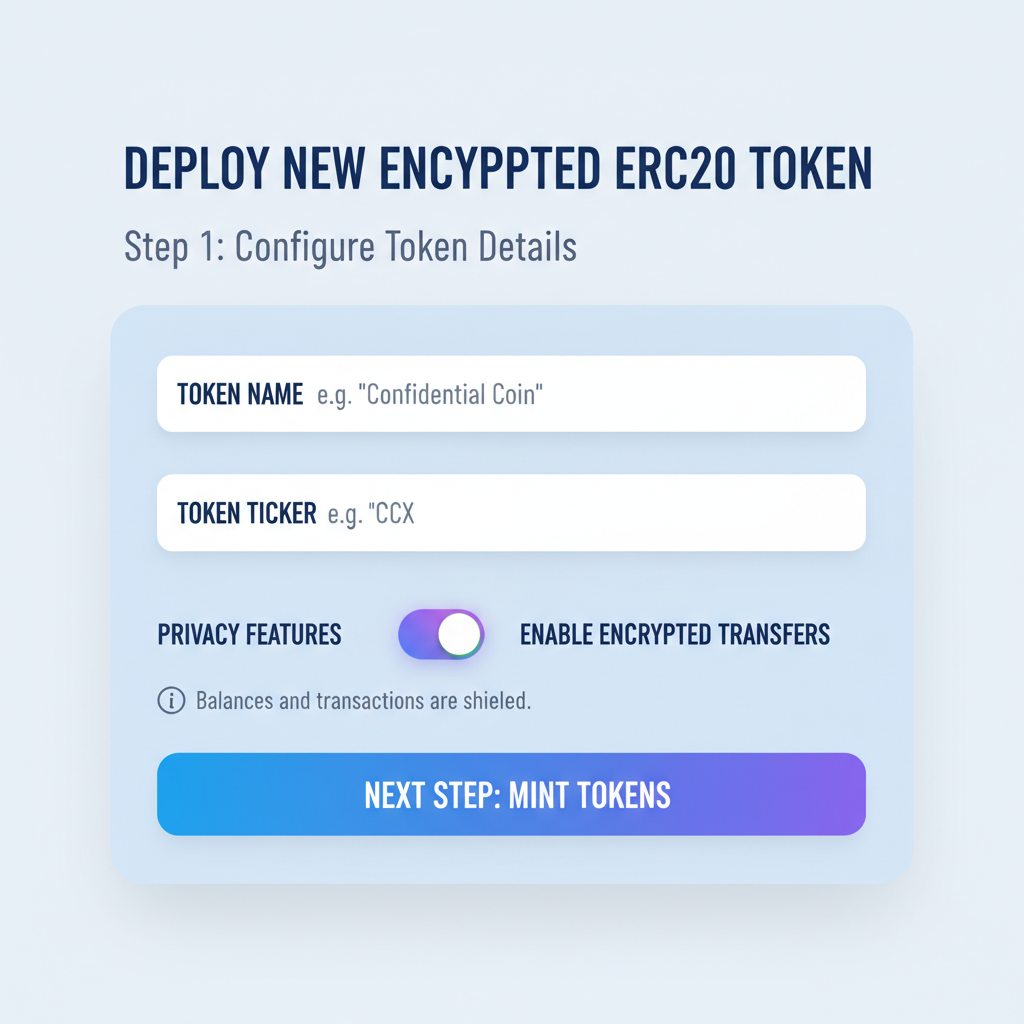
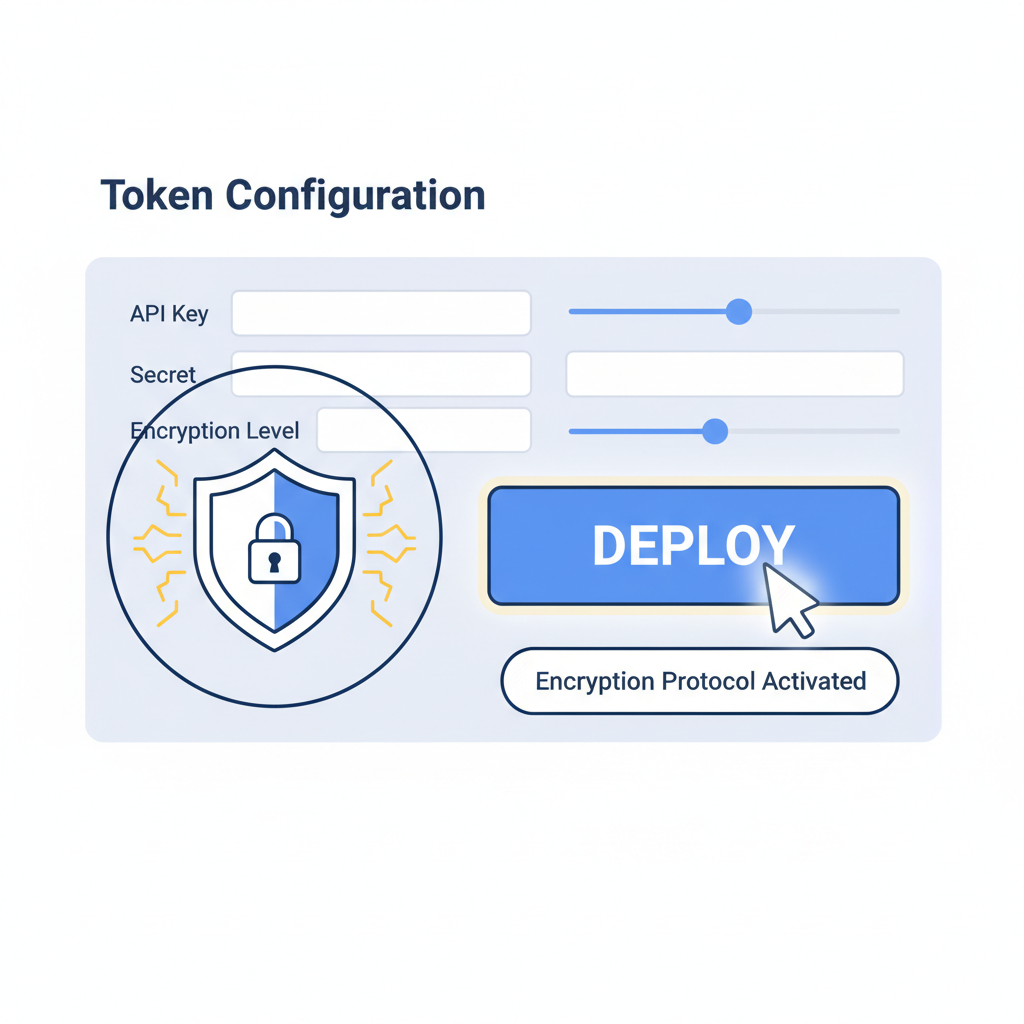
Hit the Fhenix dashboard. Navigate to Shielded Stablecoin section. Input config: Name your token (e. g. , PrivacyUSD), ticker (PUSD), decimals (18). Crank security with ADD CONFIDENTIALITY button. This wraps balances in FHE, enabling encrypted transfers sans decryption.
Deploy via wallet connect. Gas feels familiar, but magic happens underhood via CoFHE. Post-deploy, view tokens under "user" tab, generate permits for shielded spends. For code heads, here's a snippet from their tutorial adapting OpenZeppelin with FHE primitives:
Next, interact: encrypt holdings, execute shielded swaps. Pitfalls? Compiler mismatches or missing FHE libs; stick to docs. This setup positions you for real DeFi plays, where privacy isn't optional.
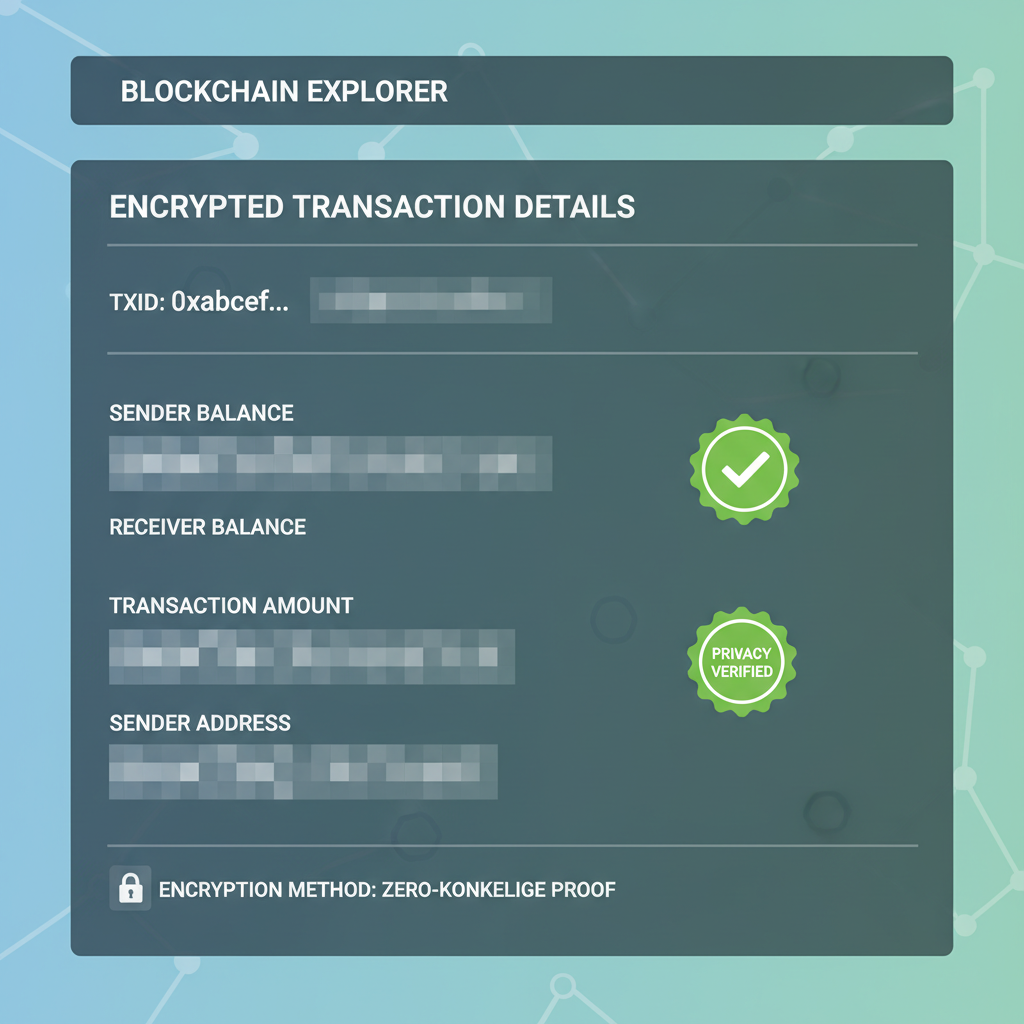
Once deployed, verification confirms your encrypted ERC-20 tokens operate in stealth mode. Head to the Fhenix explorer or dashboard's user section to inspect the contract address. Balances appear as encrypted blobs; decryption happens client-side via your wallet's FHE keys. Attempt a standard balanceOf call: it returns zero-knowledge proofs instead of raw numbers, frustrating snoopers while satisfying auditors.
Testing Shielded Transfers and Privacy Guarantees
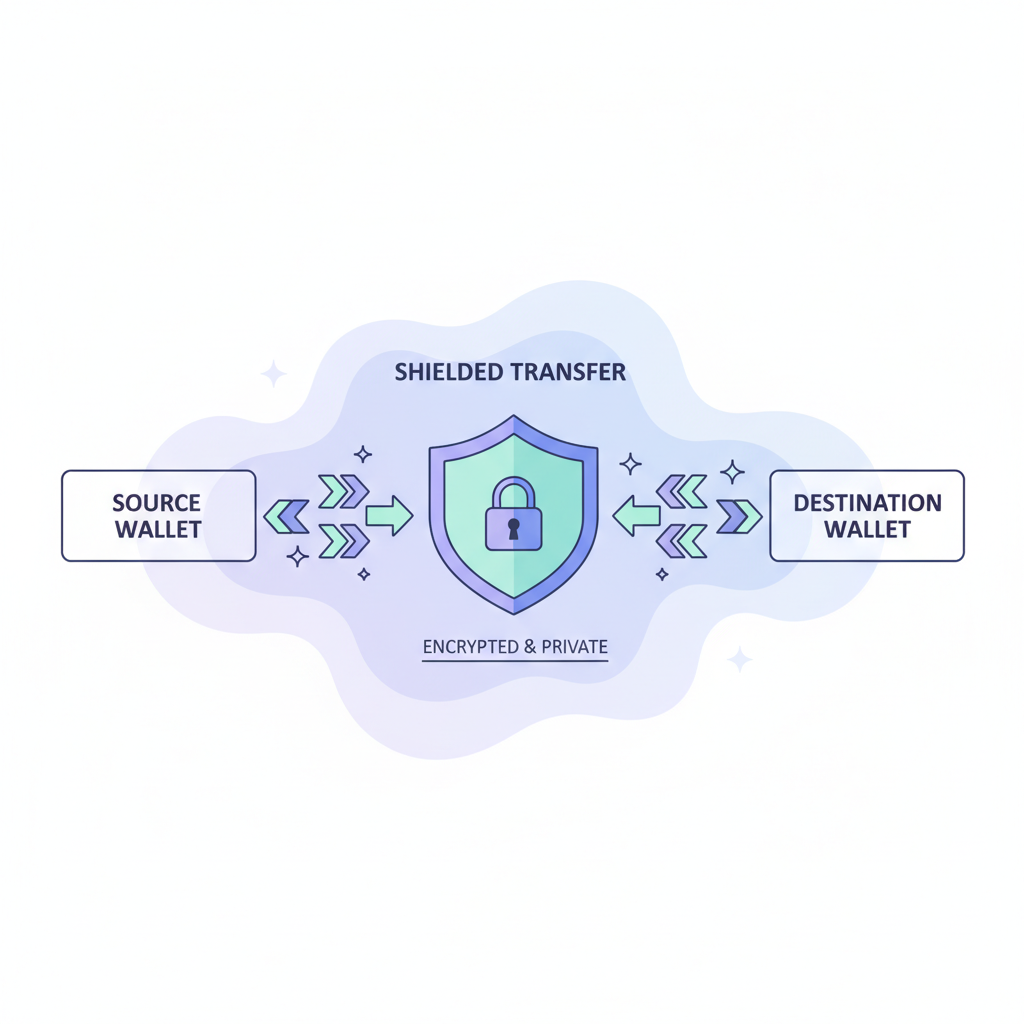
Privacy shines in action. Mint some test tokens to your address, then initiate a shielded transfer. CoFHE handles the homomorphic addition under encryption, updating balances without exposure. This mirrors Redact's encrypted transfers but leverages Fhenix's native EVM integration for broader composability. In practice, DEX routers can swap your PUSD without revealing amounts, a game-changer for confidential DeFi.
Run local tests with Foundry to simulate. Fork Helium, deploy your FHERC20, and script encrypted ops. Pitfalls like mismatched compiler versions (stick to 0.8.19) or unimported CoFHE libs trip up newcomers, but Fhenix docs and GitHub samples iron these out. Opinion: Skip Remix for complex FHE; Foundry's speed uncovers edge cases faster.
Hands-On FHERC20 Deployment: Privacy Tokens on Fhenix Helium Testnet

Post-transfer, generate EIP-2612 permits for gasless approvals. Click 'generate permit' in the UI, sign with MetaMask, and feed it to relayers. This enables shielded lending or yield farms without on-chain footprints. Scale up: Integrate with Fhenix's upcoming Arbitrum deployment for L2 efficiency.
Advanced Optimizations and Security Best Practices
Custom tokens demand tweaks. Extend the tutorial code with custom logic: encrypted approvals or batch transfers. Audit your additions; FHE composability invites novel attacks like inference from computation patterns. Fhenix's security model assumes honest coprocessors, so layer multisig controls or timelocks.
Decimals matter: Match ecosystem standards (18 for stables) to avoid DEX listing hassles. Security toggles in the deployer let you dial confidentiality levels, balancing performance and opacity. Pragmatically, benchmark gas on Helium; CoFHE adds overhead but shrinks versus ZK alternatives for simple arithmetic.
- Profiling: Use forge gas-report on encrypted functions.
- Key management: Rotate FHE keys periodically via off-chain ceremonies.
- Interop: Test with wallets supporting FHERC20, like upcoming MetaMask plugins.
Troubleshoot like a pro. Faucet dry? Ping Fhenix Discord. Deployment fails? Verify RPC (rpc. helium. fhenix. zone) and chain ID. Transfers revert? Check permit signatures match encrypted nonces. Forums echo Sepolia ETH woes, but Helium's faucets flow steadily for devs.
Fhenix doesn't just encrypt; it rebuilds DeFi trust from the ciphertext up. In a world of surveillance capitalism, these tools arm builders against the panopticon.
Deploying on Helium today preps you for mainnet waves. Fhenix FHE smart contracts evolve fast, with partnerships fueling shielded AMMs and private DAOs. Start simple, iterate securely, and watch privacy-preserving ERC-20 deployment redefine tokenomics. Your confidential stack awaits; the blockchain's shadows now hide assets, not just transactions.




No comments yet. Be the first to share your thoughts!