
In the evolving landscape of blockchain privacy, Fhenix stands out by bringing Fully Homomorphic Encryption (FHE) to EVM-compatible chains like Base Sepolia. This enables confidential smart contracts that process encrypted data without decryption, shielding sensitive operations from prying eyes. Developers can now build DeFi apps with front-running resistance and true data confidentiality, all while leveraging familiar Solidity tools. This guide walks through deploying such contracts on the Fhenix testnet using CoFHE, Fhenix's FHE coprocessor.
Deploy Confidential Smart Contracts to Fhenix Testnet in Under 3 Minutes

Essential Prerequisites for FHE Development
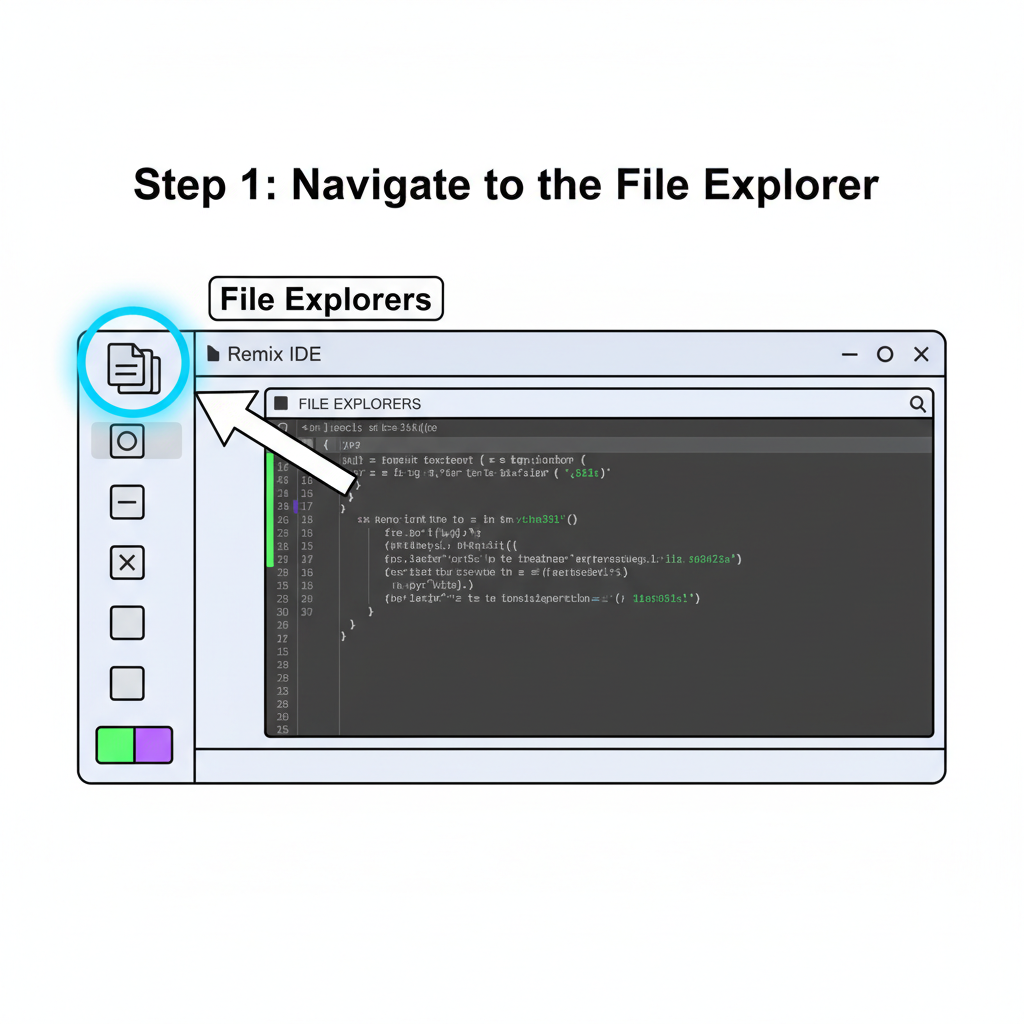
Before diving into code, assemble your toolkit methodically. Start with Foundry, the go-to suite for Ethereum development, as it integrates seamlessly with Fhenix's FHE encrypted contracts tutorial workflows. Install Foundry via their official script: curl -L https://foundry.paradigm.xyz or bash, then run foundryup. Node. js version 18 or higher follows suit, alongside Yarn or npm for dependency management. MetaMask wallet is non-negotiable; add the Base Sepolia network through Chainlist, grabbing test ETH from a reliable faucet like Base's official one.
Fhenix's testnet lives on Base Sepolia, so bridge funds if needed from Ethereum Sepolia. Recent expansions mean CoFHE is also live on Arbitrum Sepolia, but we'll focus on Base for this deploy smart contracts Fhenix testnet journey. Clone the Fhenix quick-start repo from their docs to bootstrap your project: it includes the FHE. sol library, pivotal for encrypting inputs and handling homomorphic operations.
Configuring CoFHE in Your Foundry Project
Initialize a new Foundry project with forge init fhenix-confidential-contract, then integrate CoFHE. Add the FHE. sol dependency via forge install fhenixprotocol/FHE. sol --no-commit. In foundry. toml, specify the remappings: fhe = "FHE. sol/src/". This setup lets Solidity handle encrypted types like euint32, where computations occur entirely in the encrypted domain.
Opinion ahead: while zk-proofs dominate privacy discussions, FHE via Fhenix offers a refreshing alternative. No proving circuits or trusted setups; just native encrypted arithmetic that scales with EVM gas limits. For privacy smart contracts Ethereum FHE, this means verifiable computations on private data, ideal for shielded lending or confidential auctions.
Writing and Compiling Your First Confidential Contract
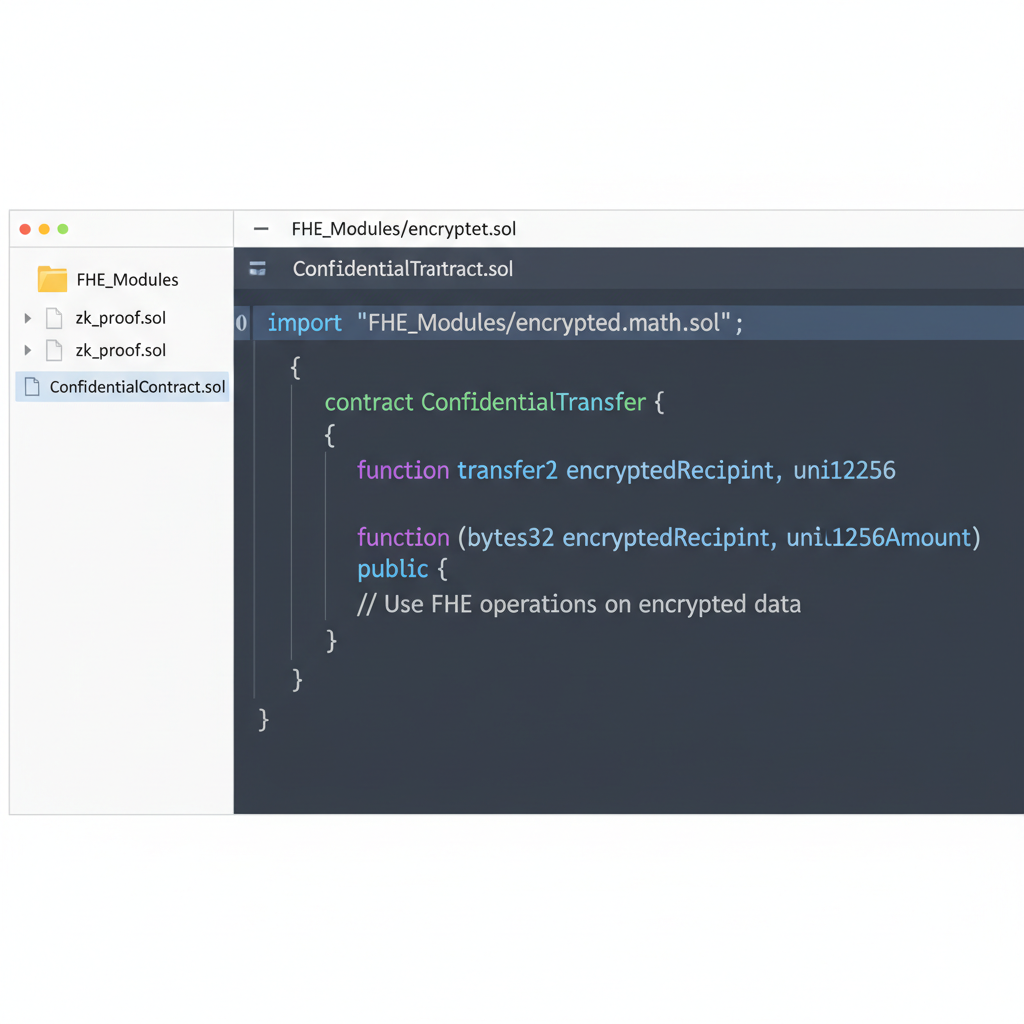
Let's craft a simple confidential counter. In src/ConfidentialCounter. sol, import FHE. sol and define a contract inheriting from IFHE. Here's the skeleton:
ConfidentialCounter.sol
To implement a basic confidential counter on Fhenix Testnet, create the following Solidity contract. It uses FHE-encrypted `euint32` types for the counter and balance, enabling encrypted increments and private value checks while computations remain confidential.
```solidity
// SPDX-License-Identifier: MIT
pragma solidity ^0.8.22;

import "fhevm/lib/TFHE.sol";

contract ConfidentialCounter {
    euint32 private counter;
    euint32 private balance;

    constructor() {
        counter = TFHE.asEuint32(0);
        balance = TFHE.asEuint32(0);
    }

    /// Increments the encrypted counter
    function increment() external {
        euint32 one = TFHE.asEuint32(1);
        counter = TFHE.add(counter, one);
    }

    /// Adds an encrypted amount to the private balance
    function deposit(uint32 amount) external {
        euint32 amt = TFHE.asEuint32(amount);
        balance = TFHE.add(balance, amt);
    }

    /// Decrypts and returns the current counter value (viewable by anyone)
    function getCounter() external view returns (uint32) {
        return TFHE.decrypt(counter);
    }

    /// Owner-only private balance check (restrict access as needed)
    function checkPrivateBalance() external view returns (uint32) {
        // In production, add access control (e.g., onlyOwner)
        return TFHE.decrypt(balance);
    }
}
```
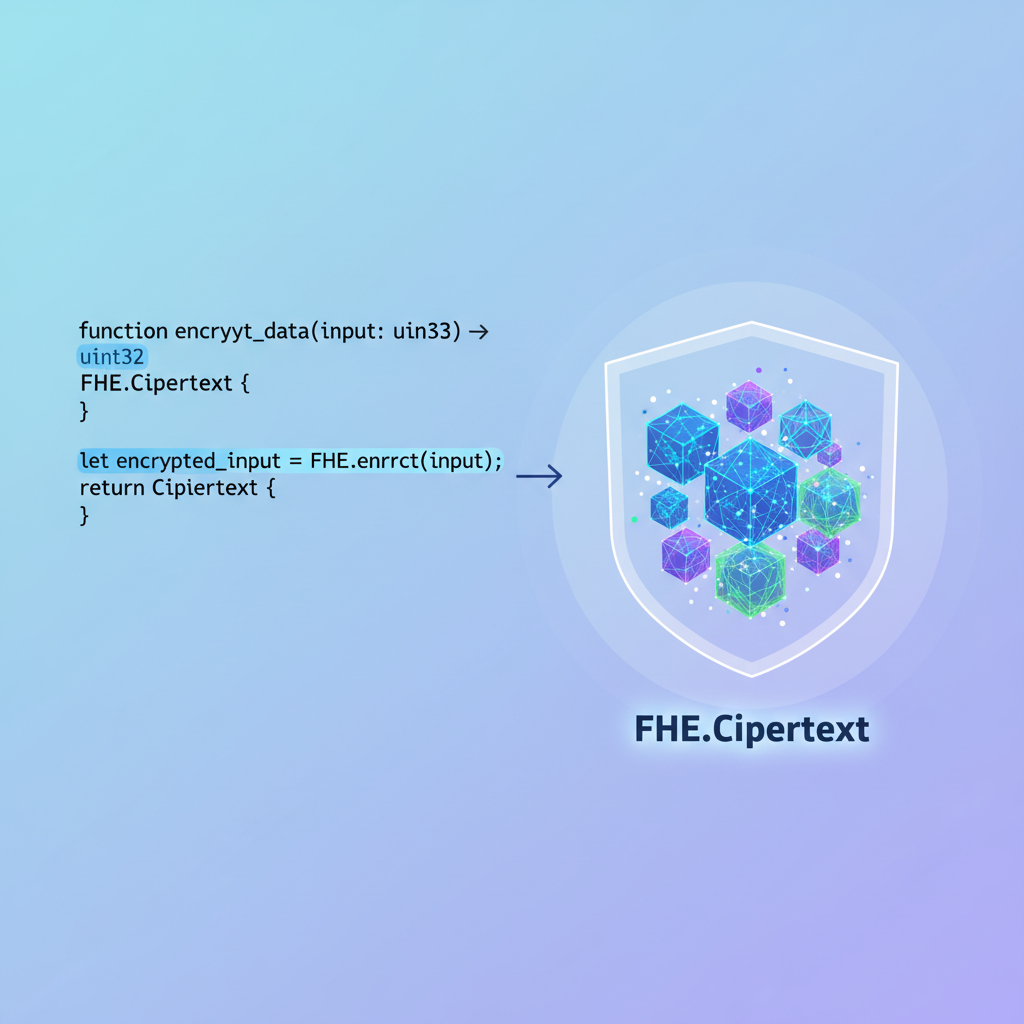
This contract showcases core FHE operations: encryption with `TFHE.asEuint32`, addition via `TFHE.add`, and decryption with `TFHE.decrypt`. Deploy it using Foundry or Hardhat configured for Fhenix Testnet, ensuring the FHEVM library is installed.
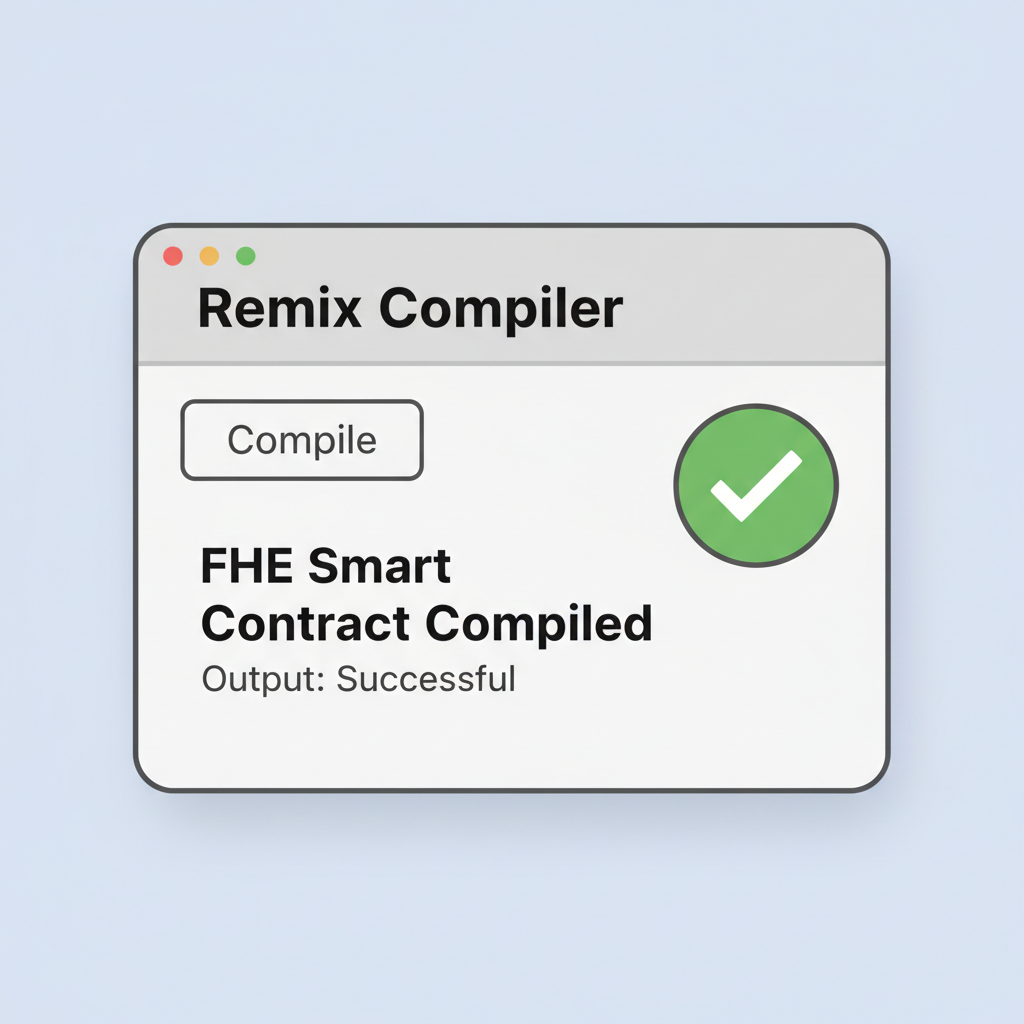
This contract encrypts user inputs on deposit, increments privately, and reveals only aggregates when desired. Compile with forge build; expect no issues if remappings are correct. The euint types automatically route operations to CoFHE for off-chain FHE execution, settling results on-chain atomically.
Test locally first: forge test --fork-url
With compilation green, you're primed for deployment. Next, we'll script the Hardhat or Foundry tasks to push this to Fhenix testnet, verifying via BaseScan.
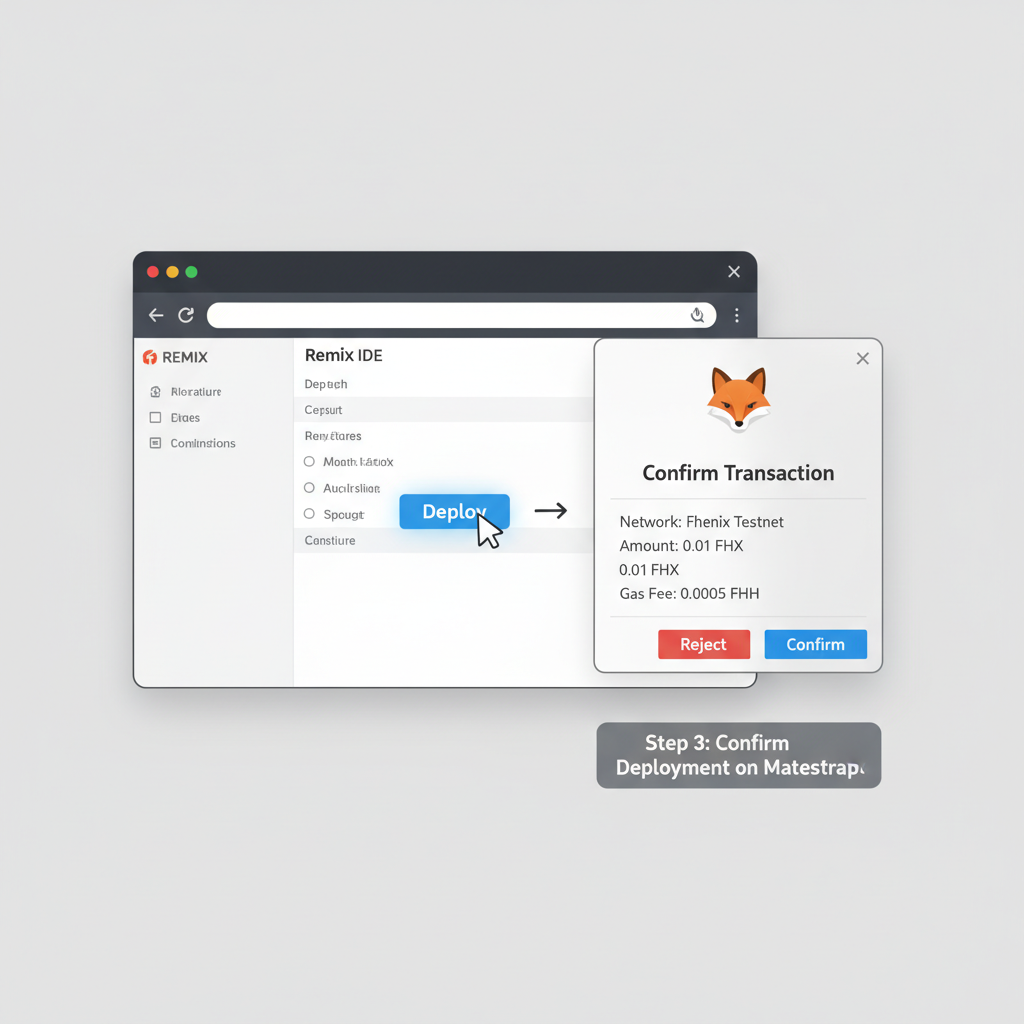
Deployment hinges on a Forge script for repeatability. Craft script/DeployConfidentialCounter. s. sol, importing your contract and adding a run() function that deploys via new ConfidentialCounter(). Broadcast with forge script script/DeployConfidentialCounter. s. sol --rpc-url $BASE_SEPOLIA_RPC_URL --private-key $PRIVATE_KEY --broadcast --verify. The --verify flag submits to BaseScan automatically, crucial for transparency in confidential smart contracts Fhenix.
Foundry Deployment Script for ConfidentialCounter on Base Sepolia
Before deploying the ConfidentialCounter contract to Base Sepolia, ensure your environment variables are configured: - `RPC_URL`: Set to your Base Sepolia RPC endpoint (e.g., `https://sepolia.base.org`). - `PRIVATE_KEY`: Your deployer's private key (never commit this to version control). Example setup: ```bash export RPC_URL="https://sepolia.base.org" export PRIVATE_KEY="0x..." ``` Now execute the Foundry deployment script as follows:
forge script script/DeployConfidentialCounter.s.sol \
  --rpc-url $RPC_URL \
  --private-key $PRIVATE_KEY \
  --broadcast \
  --verify \
  -vvvv
Running this command will broadcast the deployment transaction to Base Sepolia. Monitor the verbose output (`-vvvv`) for details, including the contract address upon successful deployment. Verify the contract on the explorer if the `--verify` flag succeeds. Use this address in subsequent interactions with the contract.
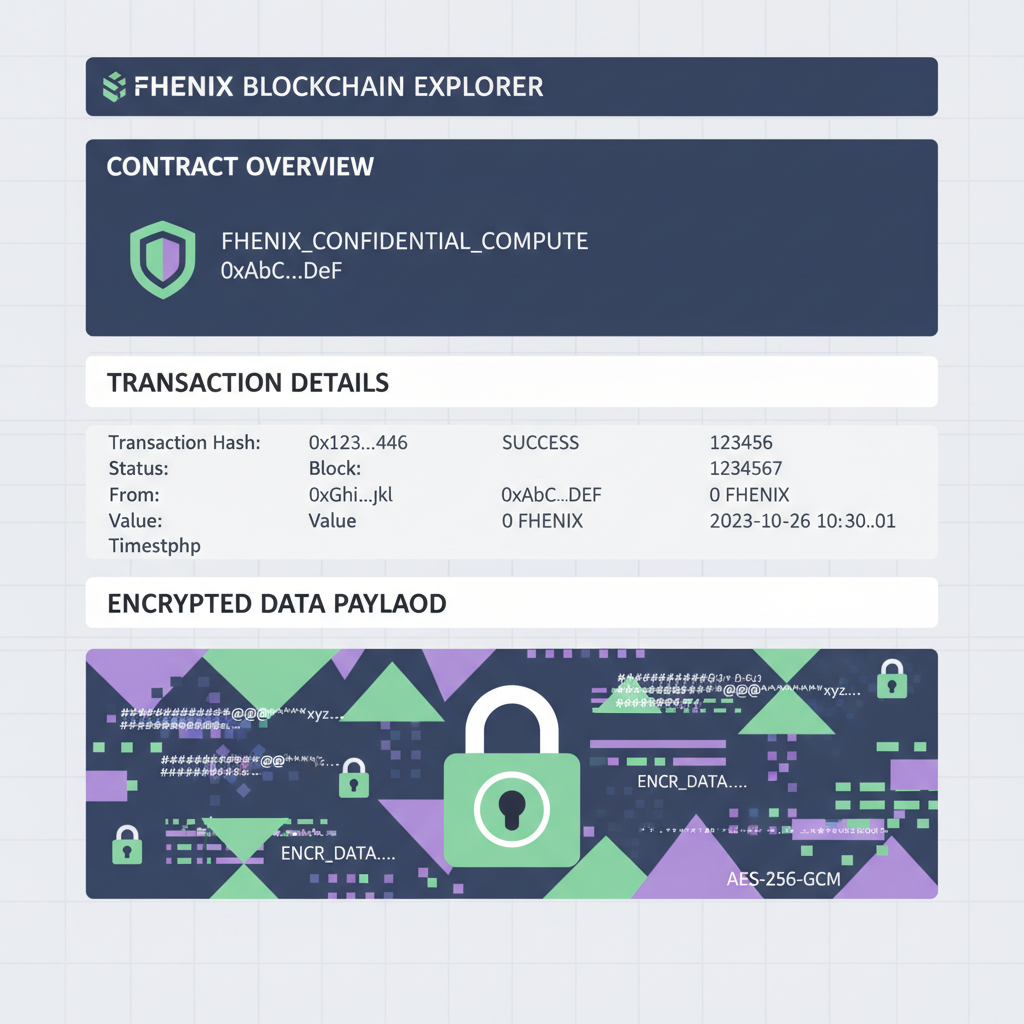
Expect gas costs higher than vanilla Solidity due to CoFHE calls, but Fhenix optimizes this ruthlessly. On testnet, transactions confirm in seconds; monitor via the Fhenix explorer or BaseScan. If RPC flakes, rotate providers - Alchemy shines here for stability. From a risk lens, always simulate first: forge script --rpc-url. . . --fork-url. . . --slow to catch reverts without burning test ETH.
Interacting and Testing Encrypted Operations
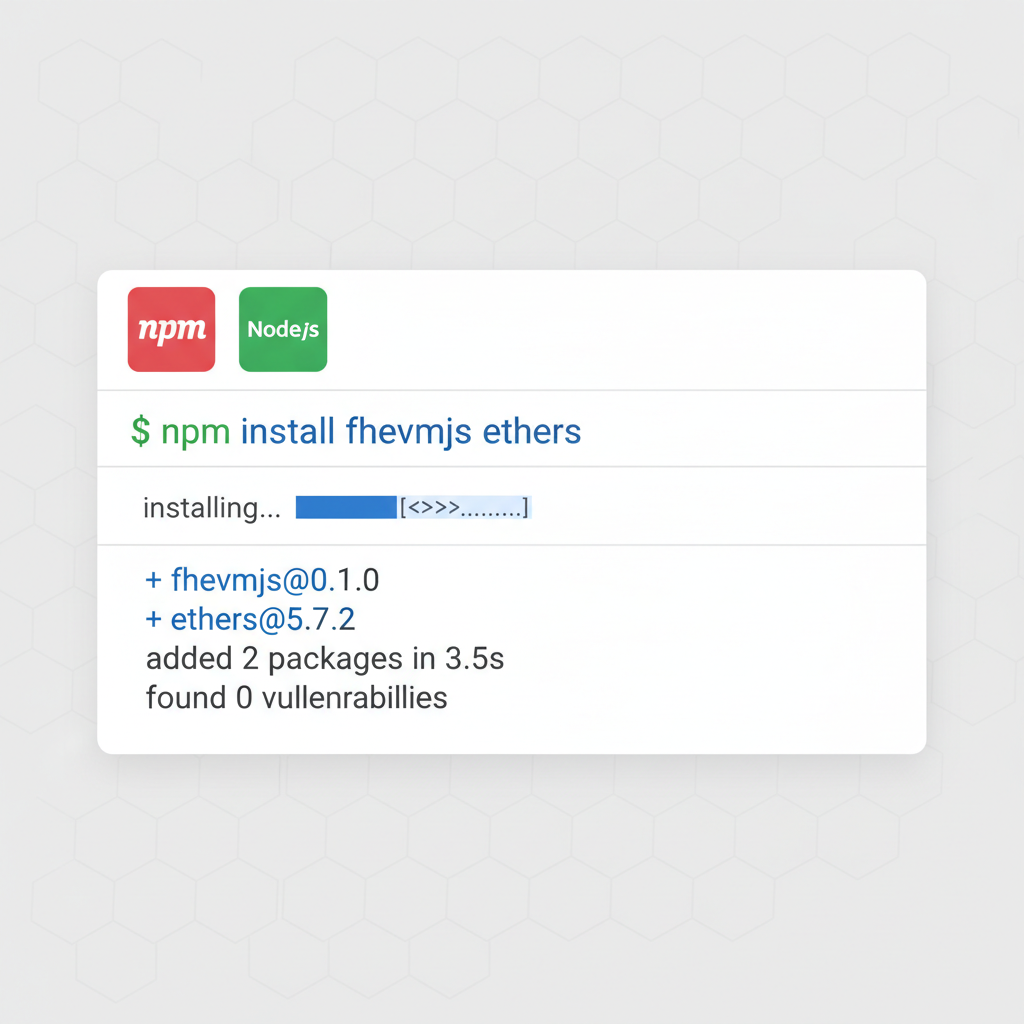
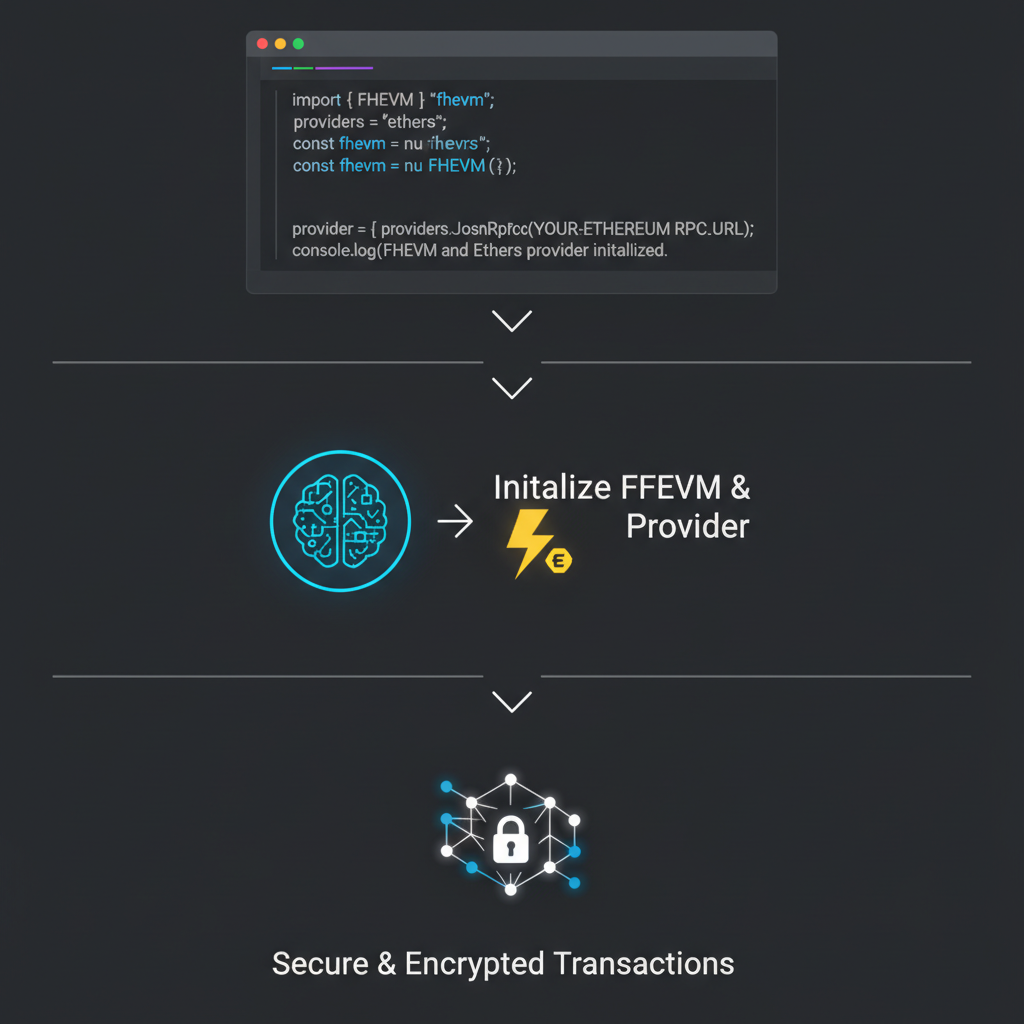
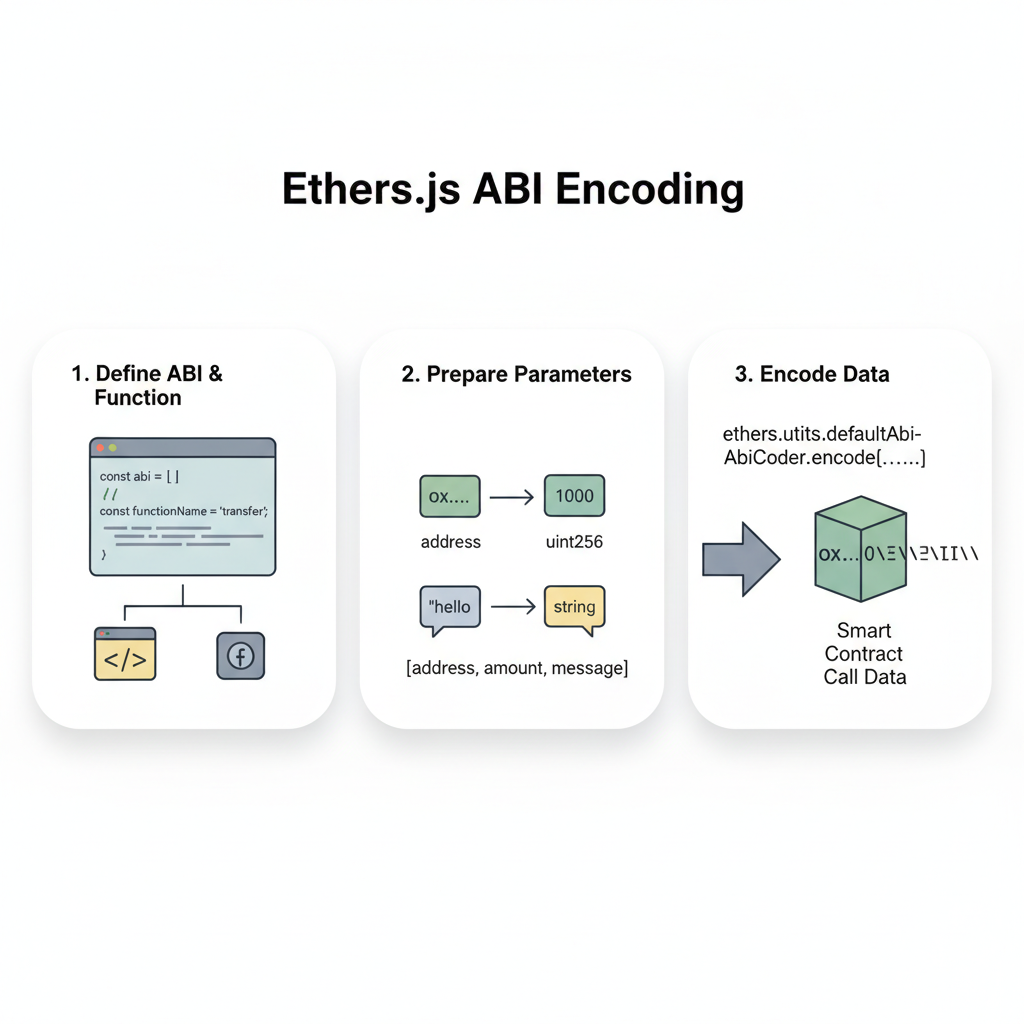
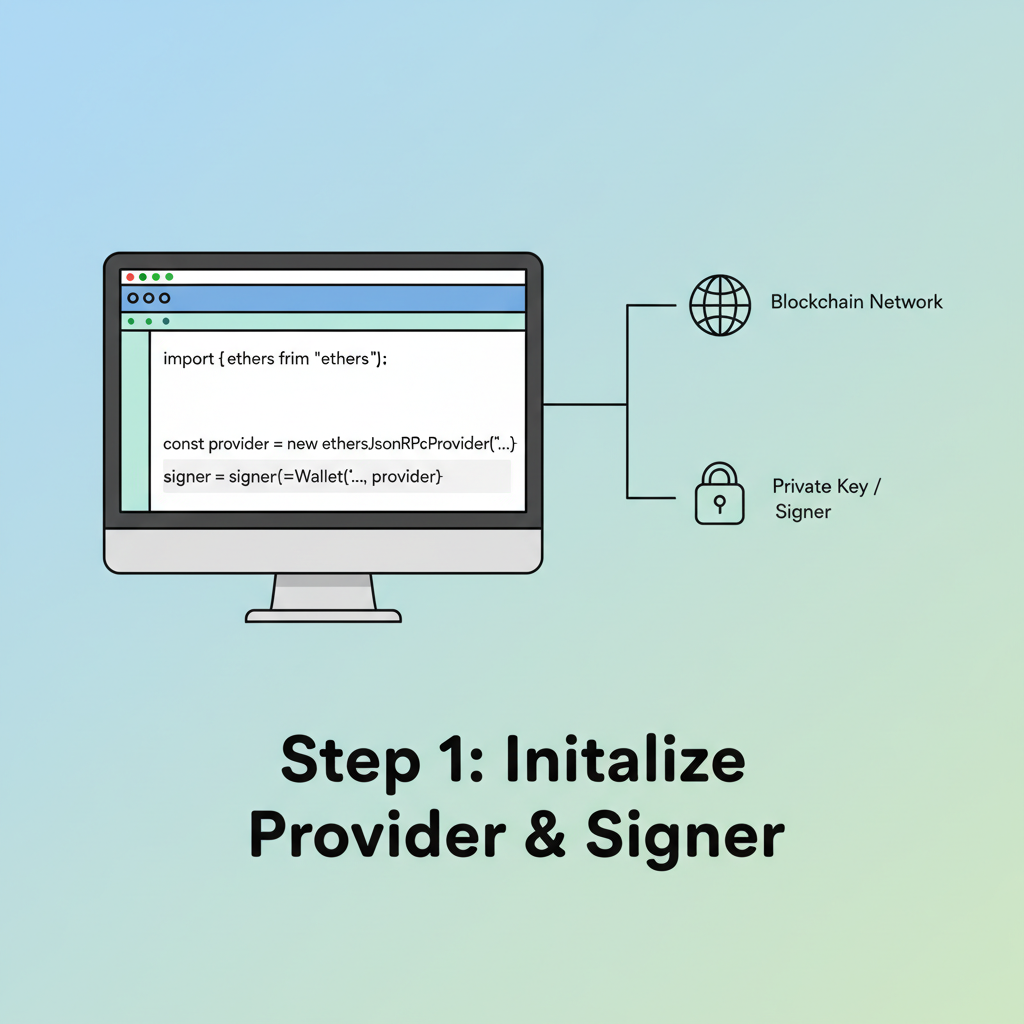
Contract live? Time to poke it confidentially. Install Fhenix's JS SDK via npm for client-side encryption: yarn add @fhenixprotocol/fhevmjs. Scripts encrypt inputs like deposit amounts into euint32 before ABI-encoding calls. Send via ethers. js provider pointed at Base Sepolia. Here's the flow: encrypt, sign, broadcast, await CoFHE resolution.
This setup shines for shielded stablecoins FHE blockchain prototypes. Imagine minting private balances that sum publicly but hide individuals - perfect for confidential DEXes. Test edge cases: overflows in euint arithmetic, or multi-party increments. Forge test catches most, but live forks reveal network quirks like latency in coprocessor relays.
Interacting with Confidential Smart Contracts on Fhenix Testnet

Pro tip: log decrypted views via a reveal function gated by owner. Balances privacy with debuggability, sidestepping black-box pitfalls that plague pure zk. In my view, Fhenix's threshold shines brightest here; zk demands circuit tweaks for every tweak, while FHE just compiles.
Verification, Troubleshooting, and Best Practices
BaseScan lists your contract with verified source - search by address, inspect encrypted storage slots (they look like gibberish, as they should). Events fire post-CoFHE, decrypting aggregates for on-chain proof. No reveals? Tweak your contract to emit them selectively.
Troubleshoot methodically: compilation fails? Check remappings. Deployment reverts? Gas estimate or fork test. CoFHE timeouts? Testnet load; retry or query status via Fhenix RPC extensions. Secure your setup: multisig deployers for teams, and audit FHE usage - homomorphic ops amplify bugs subtly.
Risk management underscores everything: FHE insulates data, but smart contract vulns persist. Pair with formal verification tools like Certora for euint invariants. Fhenix's rapid iteration - CoFHE on Arbitrum next - signals maturity, but testnet quirks demand caution.
Extensions beckon: layer in elen52 for lending rates, or ebool for private auctions. This FHE encrypted contracts tutorial equips you to prototype privacy smart contracts Ethereum FHE that rival centralized vaults in secrecy. Deploy, iterate, and watch confidential DeFi unfold on Base. Your edge in the privacy race starts here.




No comments yet. Be the first to share your thoughts!